Artwork guide
How to supply artwork for digital carpet printing.
Follow these guidelines and your carpet will print exactly as you imagined. Not sure about something? Ask the team.
Colours
- Prepare your files using RGB as the colour mode, not CMYK. Use the Adobe RGB (1998) colour profile.
- Pure black should be R0 G0 B0 (not CMYK 100% black).
- Colour differences may occur – please allow for the difference between colours on screen and the printed result.
- We can make better colour adjustments with vector files. We cannot make colour adjustments on photos.
Pantone colours
- Our colour spectrum is more restricted than the RGB colour spectrum.
- Pantone colours (PMS) are compared with printed colour books on carpet to get the closest match, but variations may occur.
- We compare against the Pantone Coated colour book. PMS colours from the Uncoated book are difficult to reach.
- If you use Pantone colours in your design, mention this on your order to avoid colour differences.
Lines and fonts
- Lines should be at least 2mm on C400 and C600 qualities, and at least 3mm on C1000 and C1200. Thinner lines will be hard to see.
- The minimum height of a character is 1cm (C400 and C600) and 1.5cm (C1000 and C1200).
- Fonts must be converted to curves or embedded in the document to avoid problems with the text.
Dimensions
- We print on a roll width of 200cm (±2cm) and always print at this maximum width.
- Artwork should always be supplied in one piece, not in several segments that need combining.
- Larger artworks are divided into 200cm strips and fitted together where necessary.
File formats
- Save vector artwork as PDF or AI, and pixel artwork as TIFF or PSB (large document format).
- We use Adobe Photoshop and Illustrator and can edit files made in these programs.
- Convert fonts to curves or embed them, and include any linked images.
- Please don’t include cutting lines – deliver a print-ready file.
- After you receive the print preview, changes to your order can increase the set-up cost.
File delivery
- Send files by email, Dropbox, WeTransfer or our FTP server (ask us for access).
- Please keep files under 1.5GB to make processing easier.
- Send the design with your order form to info@pxlcarpets.com.
Resolution
- Create files at original size (100%) with a minimum resolution of 100dpi – higher is also fine.
- Large files can be supplied at 10% of final size. To limit quality loss, we prefer a vector file.
- Always lay out graphics at the right size and resolution – scaling up can result in poor print quality.
- Higher resolution means bigger files, so crop images to the area you actually need.
Transparency and layers
- Please don’t use transparency in your artwork, otherwise colour differences may occur.
- Please flatten all layers in your artwork, otherwise colour differences may occur.
Technical data
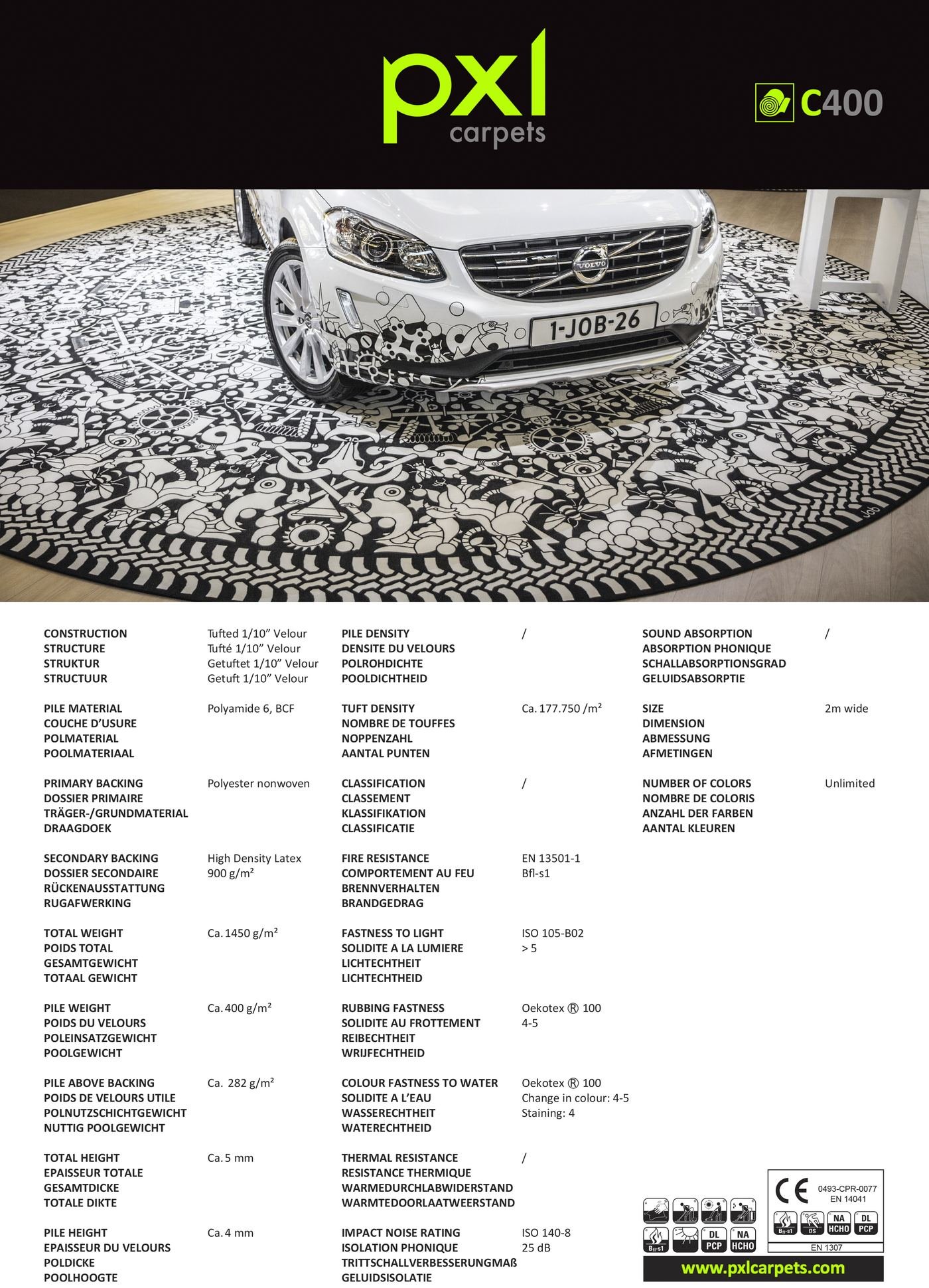
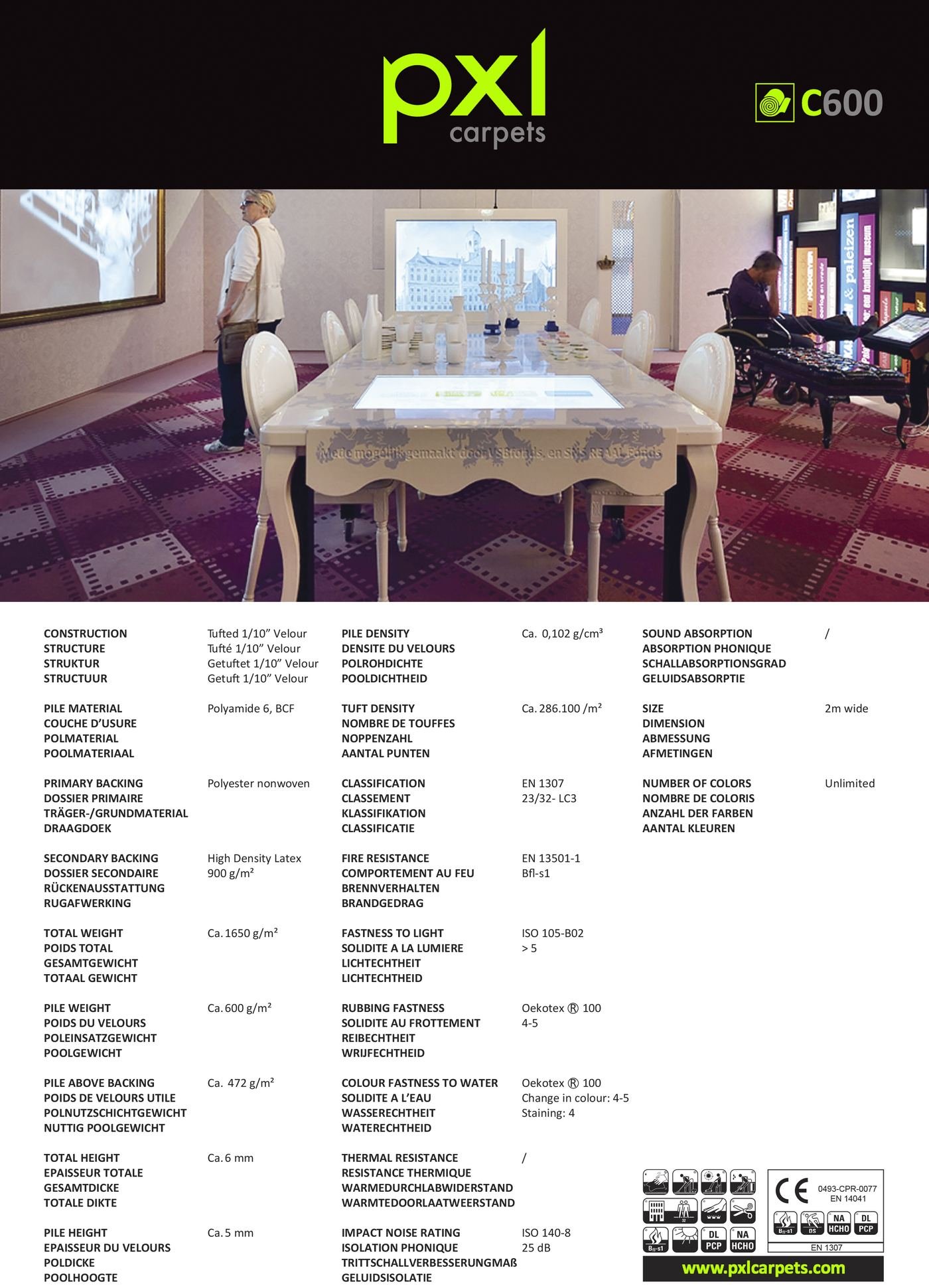
Technical specifications.
Choose a carpet quality to view its full technical sheet.
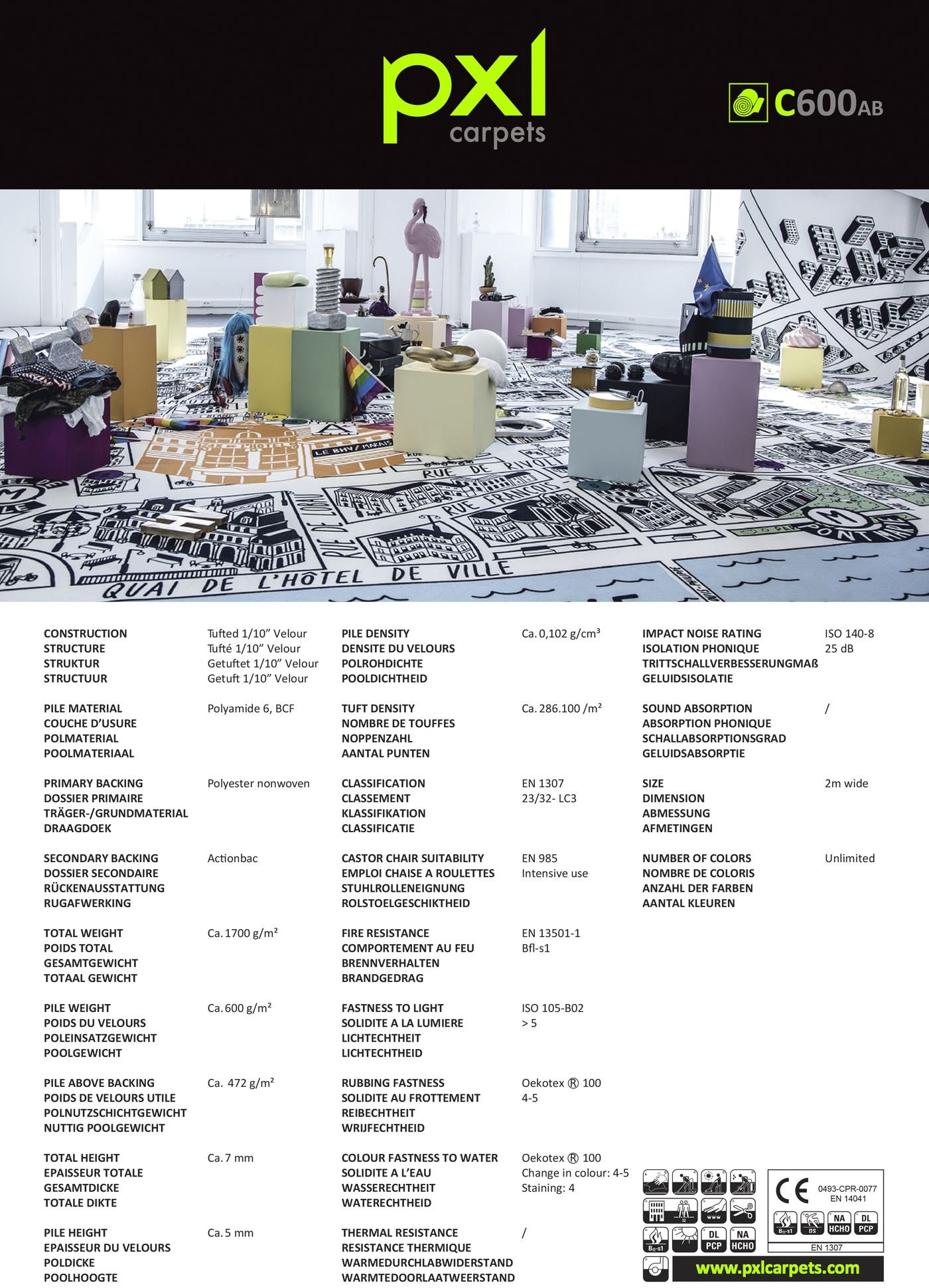
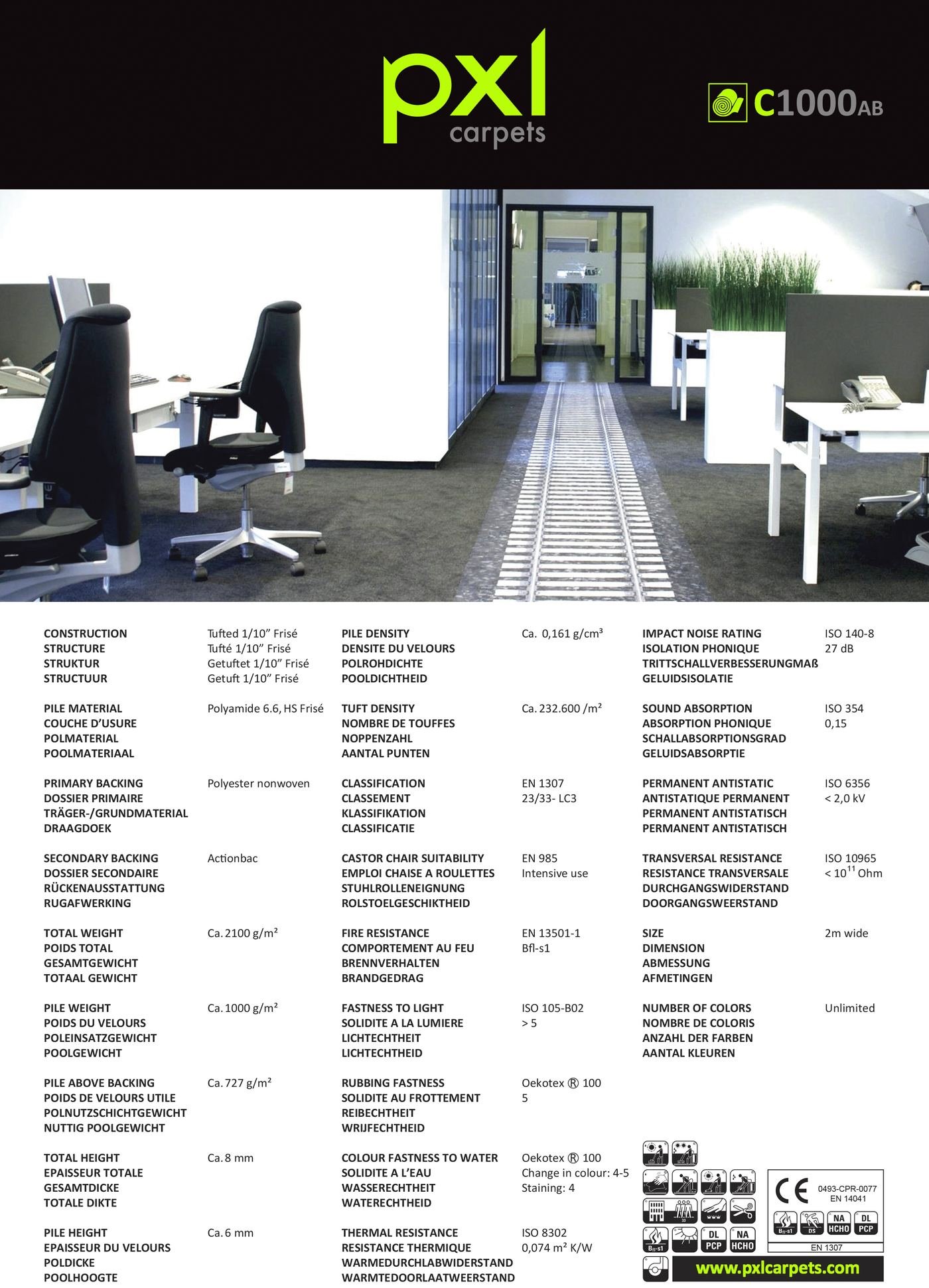
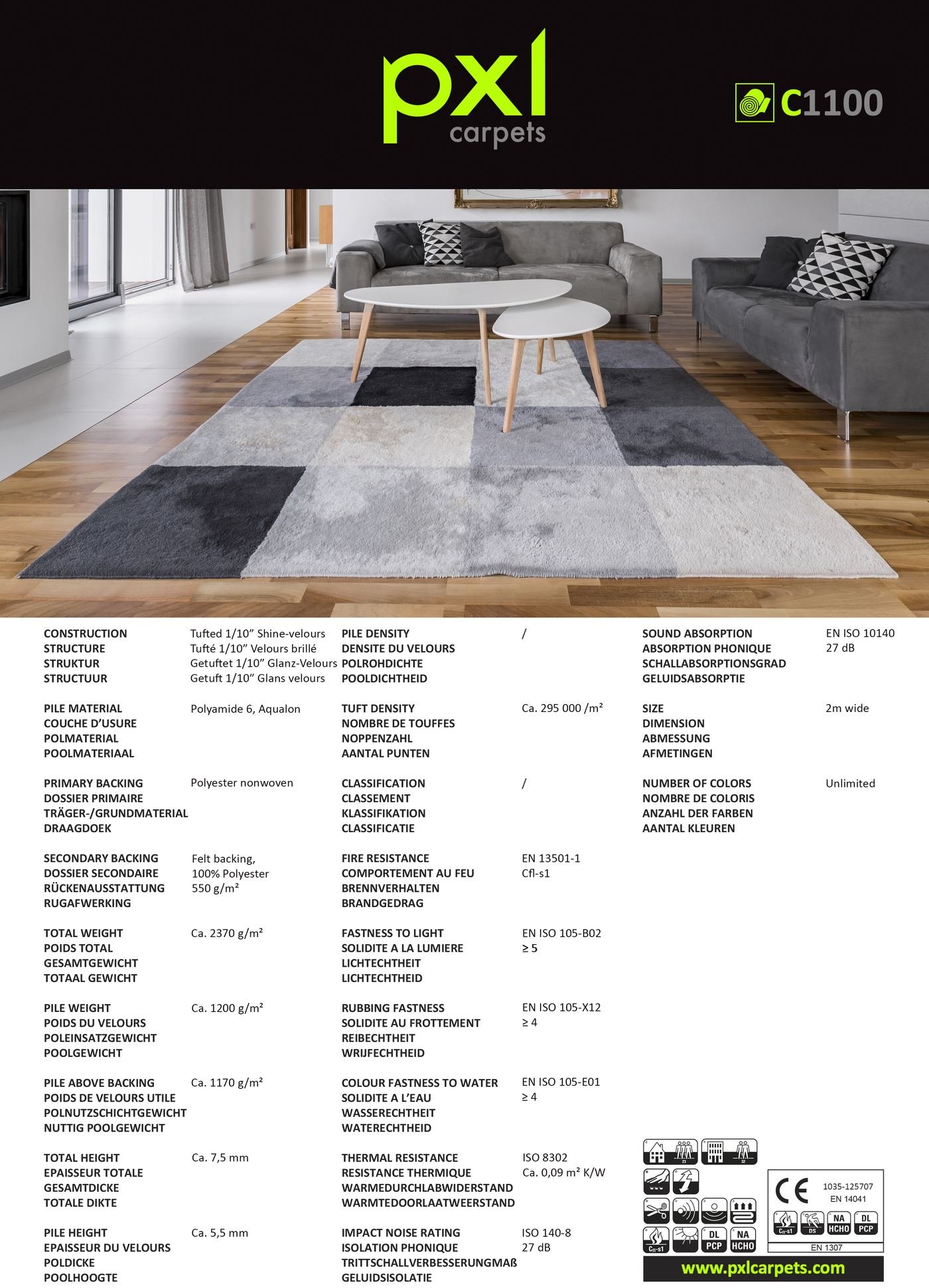
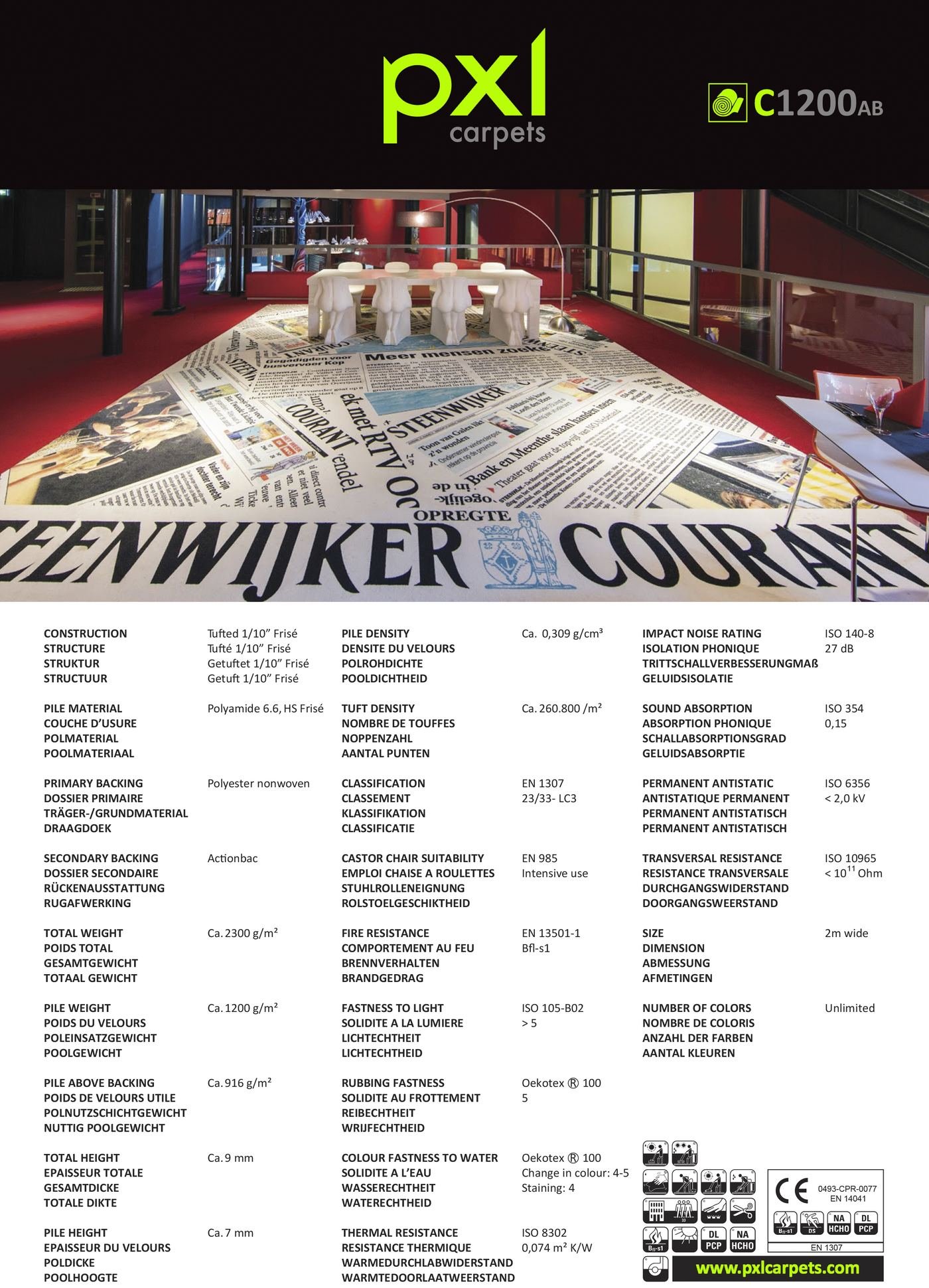
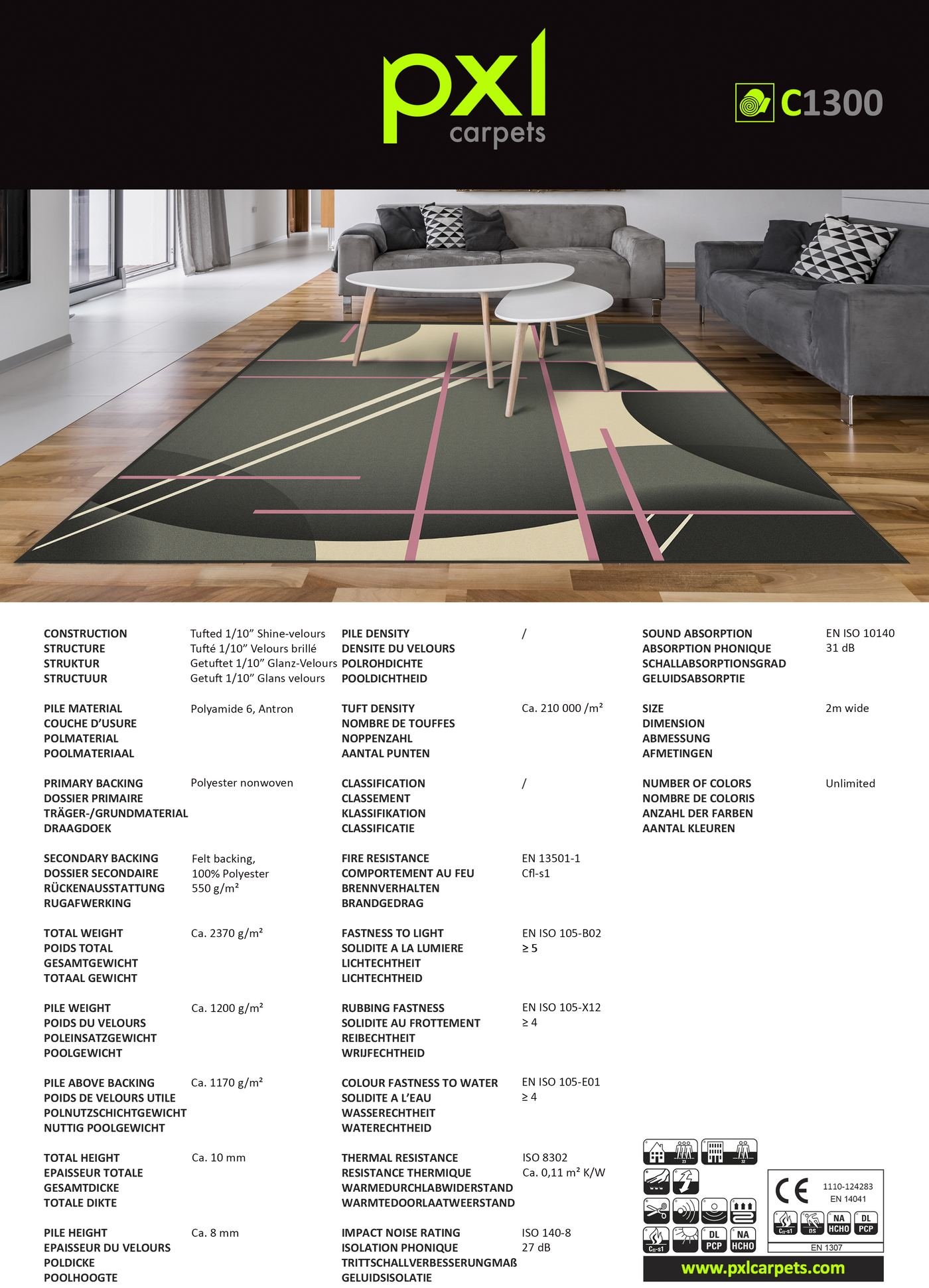
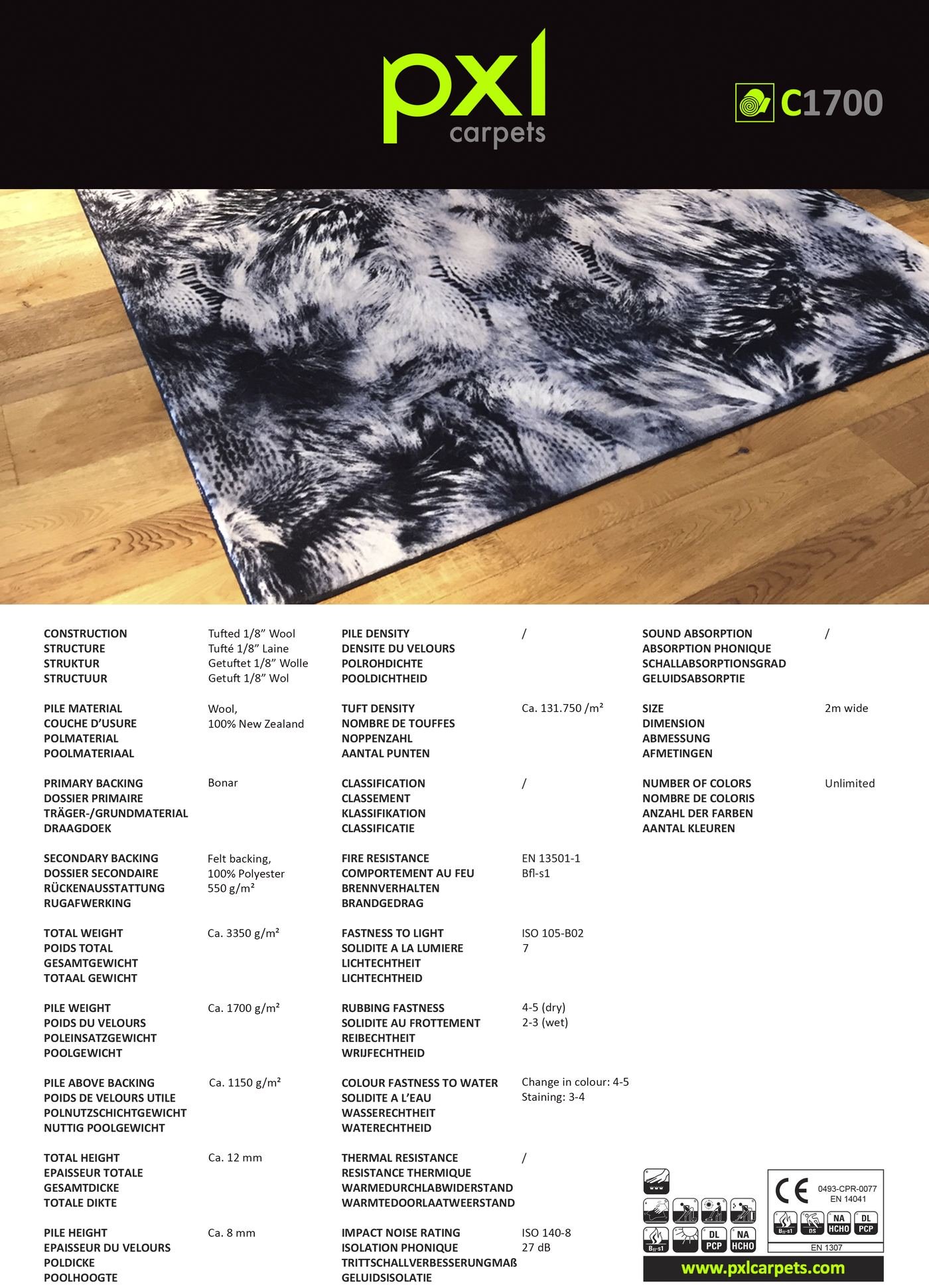
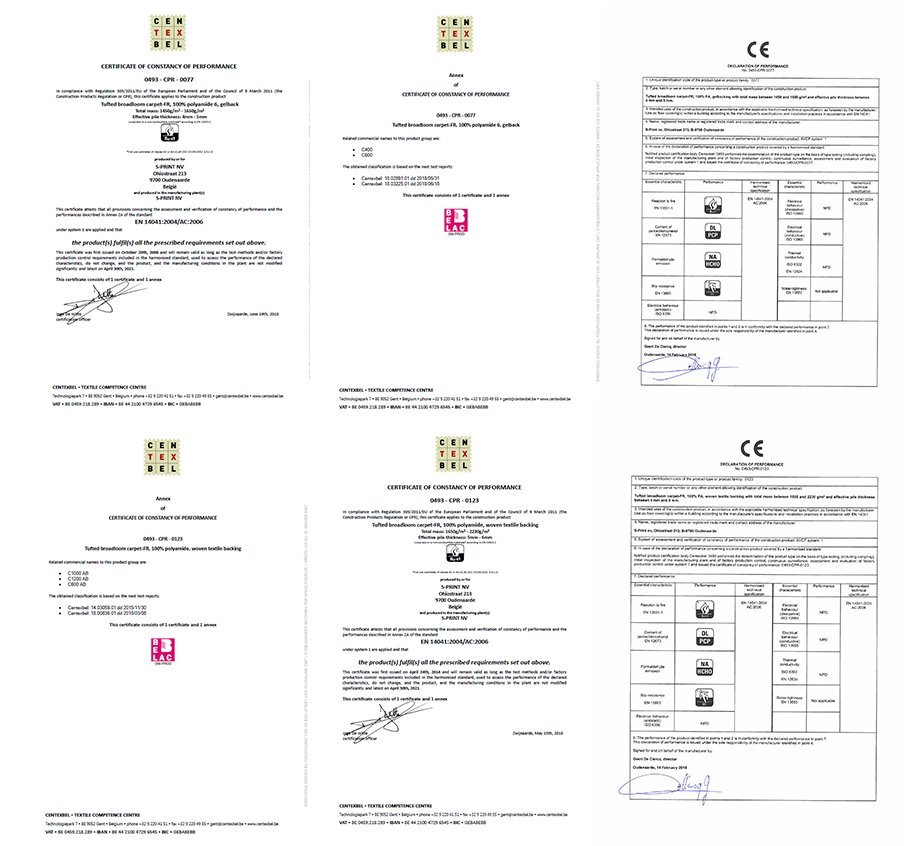
Declaration of Performance
Our CE Declaration of Performance for printed carpet.
Oeko-Tex Standard 100
Certified free from harmful substances.